Thursday, September 24, 2020

Most common repairing reasons for iPhones


 Apple iPhone is the most popular mobile brand in America with almost 40% of market share as per the statistical data by Counterpoint. iPhones have the largest market share for many years and nowadays it is widely used worldwide. The prime reason behind this huge popularity is the superior quality and excellent user experience they provide. Also, iPhones are available for the person with any type of usage plan and budget and this makes the iPhone available for almost all. 


The common reasons for iPhone repair:


Though iPhones last really long as compared to the other popular brands available in the market but still there are some common scenarios where you might need to repair it. There are sufficient service facilities of Apple available across the Californian region and in Riverside the iPhone repair & service are widely available. So service is not at all any problem for iPhones and for this reason, the number of iPhone users is increasing day by day. In the following section, we will mention the most common reasons for iPhone repair.


Battery concerns: It is observed that after two years of usage the battery backup starts decreasing and the phone battery needed to be charged multiple times in a day. That becomes really hectic for the users and in such situation we will suggest visiting any iPhone repair store in Riverside or any other place for battery replacement. Also, you need to understand the basic factors that degrade the life cycle of your iPhone’s battery. As per the observation after about 400 charging cycles, the batteries degrade by 20%. You can extend the battery life if you charge your iPhone properly and for a long and healthy lifespan of your phone’s battery, it is suggested to keep the battery charged from 20% to 80%.


Faulty screen: There may be several types of scenarios of the faulty screen in iPhones. It may be some spots visible on the screen or some vertical lines. The corners of some other parts of the screen or the entire screen turned darker. It other scenarios it is observed that no fault is visible on the screen but it’s not sensing the finger touch. Also, the iPhone screen may stop working due to water damage or broken due to physical damage. If the iPhone screen is broken or not functioning properly then it is suggested to take it to the iPhone repair shop in Riverside and the expert technicians available over there will replace the screen and you can use your phone again.


Camera problem: iPhones are especially known for their excellent camera performance. Now the camera of the iPhone may get damaged for different reasons, such as physically shattered, damaged by water or the software is faulty. Also, the camera screen may damage separately and in such a situation your phone will act all right only you can see a band of multicolored lines on the screen when you turn on the camera. In Pomona, iPhone repair & service is widely available so if you stay anywhere around then take the damaged phone to them and they will do the needful to repair it at the earliest. 


Charging problem: This is also very common in iPhones and if your iPhone is not charging or having some problem while charging then you need to check the charger (adopter and cable) along with the charging port. First, you should check the socket and adopter of the charger if they are faulty, along with the cable if it is damaged anywhere. Also, if dirt and debris accumulate in the charging port may hamper the charging system so you should thoroughly clean the charging port. But it is better to take it to the professional iPhone repair shop in Pomona as they are trained for such works and they will do it neatly.


Signal issues: It is really annoying if your iPhone is not catching the network signals properly and every time you need to set the network manually. Now the reason may be some third-party applications that interrupt the basic functions of your iPhone, which may lead to the signal problem. So you need to check if any such applications are there those are behaving weirdly or causing the signal problem. As we have mentioned earlier, it is better to take some expert's suggestion in case you can’t find the proper cause. 


Summary:

These aforementioned problems are common in iPhones, but not happened with all the users. The iPhones have earned its reputation for the excellent quality of service they have provided thoroughly. But still, if any problem appears then it is better to take the phone to the best iPhone repair store in Redlands. The qualified servicepersons available over there will thoroughly diagnose your phone and get it repaired at the earliest.  


Monday, September 21, 2020

Important tips for repairing a damaged tab


We especially the Californian people are so much dependent on the cell phones, laptops, and tabs that we tend to keep any of these one closes every time throughout the day. So if any of the devices get damaged anyhow, we got our regular functions affected and thrive to get it repaired and working at the soonest possible. Now the devices may get damaged due to various reasons, such as; broken due to drop from a height, sunk in the water, got barratry damaged, screen damage, etc.


So when your device gets damaged then you should think and justify before repairing the same. Here in the following section, we will highlight some important tips for repairing your damaged tab. You can repair your damaged tab with the perfect tools but if in the process any complication arises then we will advise you to take some assistance from the professional centers for tablet repair & services in Pomona. The experienced and qualified technicians of the service center will surely assist you to get your tab repaired at the earliest.  


Important tips for repairing your damaged tab:


  • In case of water damage- 


If your tab dropped in the water, you should instantly protect your tab from further damage before you can take it to the best tablet repair shop in Pomona. You shouldn’t turn the tap on to check whether it is still working after getting wet, as this may lead to a short circuit and the condition will deteriorate. 


First, remove the cover and the protective glass (if any) and then remove the SIM card and gently dry the tray, so no more liquid remains trapped between its chassis. Also, wipe the area of switches, earphones, and power ports minutely, so no liquid remains trapped there. In Redlands, tablet repair shops suggest to bury your wet tab inside a box of silica bags for at least 48 hours and cover it. It may get better by following this process properly otherwise you need to take it to the service station. 


  • If the screen is broken-


The screen of your tab may break or crack due to some physical damage. Also, there are some other symptoms of the damaged screen, such as some spots or vertical lines on the screen or some parts or entirely the screen turned darker. Even you can find some parts or the whole screen isn’t responding to finger touch. 


For repairing a damaged screen you need to take the tab to a reputed service station for tablet repair in Pomona. Their expert and qualified technician will replace the LCD, Plasma, or LED part of your damaged screen and you can enjoy your tab for a long time. Also, their charges are reasonable, though they are dependent on the types of devices. But if your device is under warranty which covers the type of LCD screen damage then you should visit the service centers of your respective tablet brand. 


  • If there is any charging problem-


If your tab is not charging or having some problem while charging then you need to check the tab’s charger and the charging port. First, you should check the socket and adopter of the charger if they are faulty, along with the cable if it is damaged anywhere. Also, if dirt and debris accumulate in the charging port may hamper the tab’s charging system so you should thoroughly clean the charging port. 


Also, some third-party applications may interrupt the basic functions of your tab which may lead to a charging problem. So you need to check if any such applications any such application is behaving weirdly or causing the charging problem. If you can’t diagnose the problem then take your tab and the charger to a professional shop for tablet repair in Redlands. The expert technicians over there will fix the charging problem at the earliest. 


  • If the battery is damaged-


You need to understand the basic factors that degrade the life cycle of your tab’s battery. As per the observation after about 400 charging cycles, the common batteries of the tabs degrade by 20%. You can extend the battery life if you charge your tab properly. You shouldn’t entirely drain your tab’s battery that it comes down to 0%, as that hampers battery life the same as full charging to 100%.


It is suggested to keep the battery charged from 20% to 80% is the best option for a long and healthy lifespan of your tab’s battery. Also, reduce the screen timeout and activate a dark theme for long battery life and delete or uninstall the unused apps if any. If the battery is entirely damaged than you should get it replaced at the earliest as that might affect the OS of your tab. 


Summary:


With the growth of technology, we became much dependent on modern gadgets and as we have mentioned if those stops working for any reason then our everyday job gets hampered a lot. Repairing your damaged tab isn’t at all hectic now a day and in Redlands, tablet repair & service is widely available. You can take your damaged tab to them and their expert and professional team will fix your tab properly so that you can enjoy it for a long time. 


Tuesday, September 8, 2020

The best iPhone in 2020 for every type of person and budget


iPhone 11 Price, Specification & Features at Gadgets Now (4th Sep 2020)

Apple is renowned for the excellent performance of its devices, such as iPhone, iPad, MacBook, etc.All the gadgets manufactured by Apple Inc. have been the best worldwide and millions of users are enjoying their time with various Apple devices. Recently I’ve visited the local iPhone repair store in Pomona as my iPhone was too old and was not functioning properly.


The technicians at the local iPhone repair shop in Pomona advised me not to invest in repairing my old iPhone rather I can exchange my old phone with a new and updated iPhone. Now there are 7 different iPhone models is available in the market to purchase in 2020 with different features. You can go through the below-mentioned list of the latest iPhones and purchase one as per your budget and requirement, as I did.


List of the latest iPhones in 2020:


  • iPhone 11: 


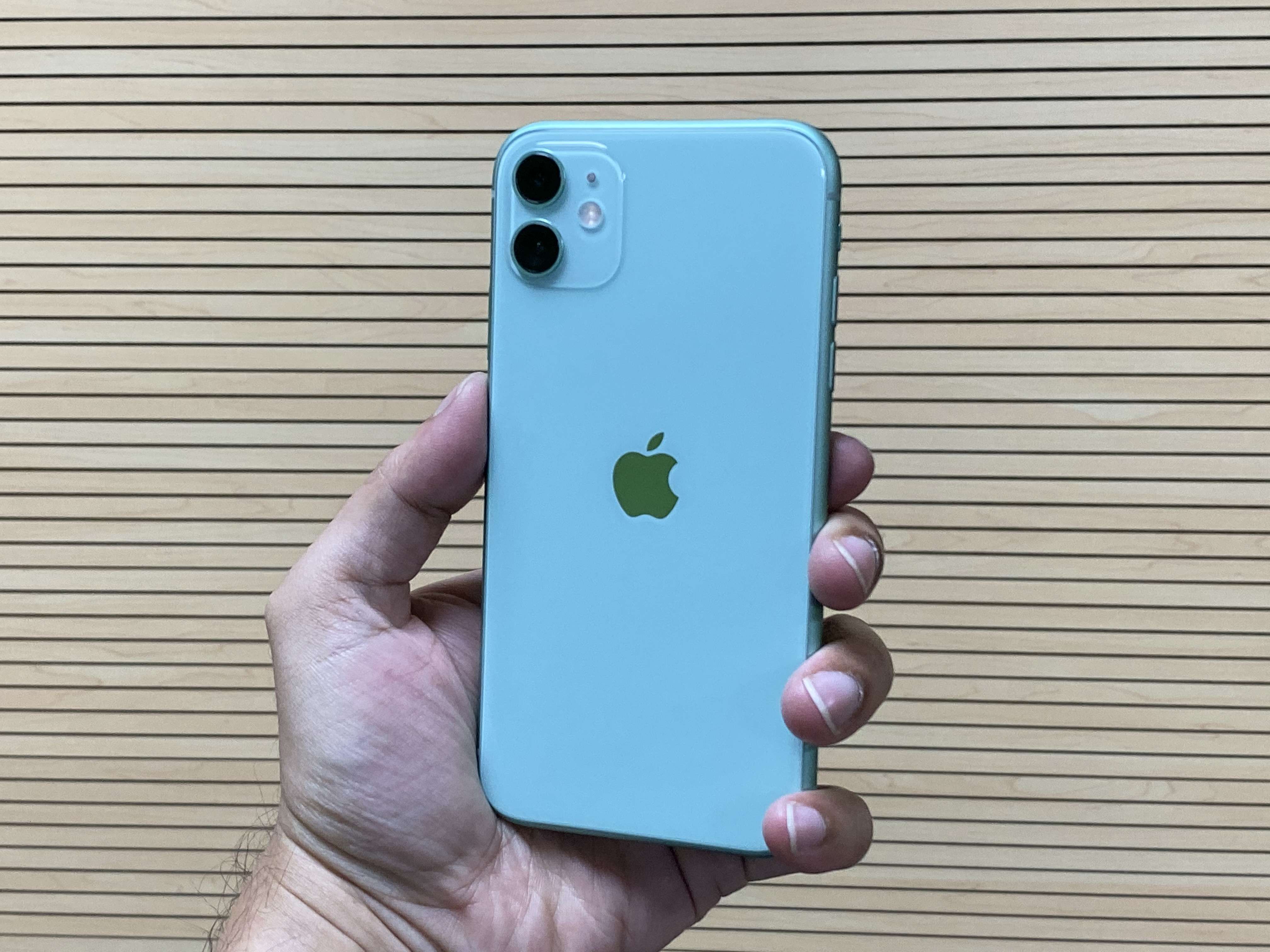
This can be mentioned as the best iPhone from overall judgment. This is suitable for all types of users and comes at a considerable price rate of $699. You can shoot 4K videos along with beautiful portraits, and sweeping landscapes with the all-new dual-camera system of the iPhone 11. It also captures a very beautiful low-light image, so this is also perfect for night mode. The 6.1 inches Liquid Retina screen is very shooting for video playing and the A13 Bionic will provide an excellent gaming experience.  iPhone 11 has 4 GB RAM and 64 GB storage memory.


  • iPhone 11 Pro: 


This is a very updated phone from Apple with a comparatively small screen size of 5.8 inches diagonal or all-screen OLED multi-touch display. This screen provides a Super Retina XDR display with 2436x1125 pixel rates. It also has an extra telephoto camera lens for zooming in on objects to take a better picture. The processor in this model is the same as iPhone 11, A13 Bionic, and available with 128 or 256 GB memory options. The price of this phone is $999 and that is comparatively high then iPhone 11 for the better features.


  • iPhone 11 Pro Max: 


This model can be described as the best high-end phone from Apple Inc. AS per the professional technicians from the service center for iPhone phone screen repair in Lake Elsinore, this has the biggest screen with 6.8 inches OLED display and best battery life than any other iPhone models. The iPhone 11 Pro Max has the wireless charging feature with the new A13 Bionic processor. The entry-level model is available with a 64 GB memory option; also you can get 256 or 512 GB of storage. The price of this exclusive model starts at $1,099 for the 64 GB memory.


  • iPhone SE (2020): 


This is the best budget iPhone introduced by Apple. This model returned the small handy screen size in iPhones, as the screen size is 4.7 inches with a Retina HD display. This provides a 4K display with a very good quality 12 MP camera. This model is water-resistant and supports wireless charging. But above all the price of this excellent phone is just under $400, and this is the most attractive feature of iPhone SE 2020.


  • iPhone XR: 


This new iPhone XR provides an all-screen design with a 6.10-inch Liquid Retina touch screen display with a resolution of 828x1792 pixels along with a TrueDepth camera. The phone lock is secured by Face ID and the processor of this model is A12 Bionic. It is available with 64 and 128 GB storage options, so you can purchase as per your storage requirement. The price of the iPhone XR starts at $599 and the max price can be $649.


  • iPhone XS: 


This is also the smallest iPhone model with a 5.8″ Super Retina OLED display and fits in everyone’s budget. The processor of the phone is the Apple A12 Bionic chipset and has dual 12 MP cameras. iPhone XS is available with 64, 256 and 512 GB memory options and price of this model is $999 for the 64 GB model, $1,099 for 256 GB option and $1,449 for 512 GB model. In Redlands, the iPhone repair stores promote this exclusive iPhone for its excellent features.


Summary:


All these aforementioned models are best as per their specifications and prices are also reasonable as per the quality. If you visit any service center for mobile phone repair in Riverside, the experienced and professional technicians will surely appoint the iPhones are the best compared to the others. So whatever is your budget, you should choose one iPhone model accordingly from this aforementioned list and we guarantee you will be happy and satisfied with your new phone. 


Monday, August 31, 2020

Know the COVID-19 Contact Tracing capabilities of iPhones

 How to Choose a Respectable Mobile Repair Company - BuzzTech Geelong


Soon it will be one year of COVID-19 infected our planet and till now no remedies have been found. The only way to protect you and your family is by maintaining the social distance with all. Since when this pandemic emerged worldwide we Californian people avoided any social gatherings as well as kept us locked down at our homes for months. 


To be further secured from this disease technology has introduced many things and among which the Covid-19 Contact Tracing is most effective. If you are using a smartphone then this feature will help you to trace Coronavirus infected people around you (if any) and it will further provide the distance between you and the infected person. In Riverside, the mobile phone repair services have guided the around them regarding this feature. 


About this COVID-19 Contact Tracing technology:


Neither Google nor the tech giant Apple has introduced Track-and-Trace Technology. It's a combined effort by many as an application programming interface (an API), along with some other fundamental technologies. Some other apps can also plug into it to provide accurate information. The COVID-19 tracker work in the same way you load up a website with a Google Maps widget, which is using a Google Maps API


How does the Covid-19 Contact Tracing work in Apple iPhones?


The Covid-19 Contact Tracing excellently runs in iPhones. Now if you don’t know the process to log in to it then you can visit the local iPhone repair store in Pomona and their expert technicians will surely help you to log in the application in your phone to feel safe and secured.  


You can also login to this feature by yourself if you follow these instructions. First, open the Settings menu in your phone and then select PrivacyHealth, and finally Covid-19 Exposure Logging. You can also turn it off and on as you like. You can gather some additional information regarding this feature about it and how it works. This much information won’t be available at the iPhone repair shop in Pomona as this is the dedicated place for that.


For this application to work, you need to keep your phone's Bluetooth and location tracking features always turned on. Though it doesn’t track your actual physical location as well as for how many times you left your house on a particular day. This app tracks the random id’s your phone can connect with. 


Similarly, if you report yourself COVID-19 positive, then immediately this application will send that record of your rotating IDs to a particular server. The technicians at the service center for iPhone phone-screen repair in Lake Elsinore mentioned that the app data is sent to all other devices using the system. And this way this application built a network for the safety of people.


Reasoning: 


As we have mentioned this app is developed by multiple technicians from different organizations. So it will function with any operating system whether iOS or Android. Also, as per the technicians from the popular iPhone repair store in Redlands, this is very important for the safety of people and should be utilized by all. This way one can get notified by the COVID-19 Contact Tracing feature regarding infected people nearby and can get him or herself to a secured place.

Thursday, August 20, 2020

How can you save a phone or tablet dropped in water?

How big is the Cell Phone Repair Industry? - Cell Phone Repair ...


It is a very common question and I also asked the same, while I dropped my phone accidentally in a bucket full of water. Immediately I pulled out my phone from water but I was dead till then and I was utterly confused regarding how can I fix my phone. 


At the quickest, I took the wet phone to the local store for mobile phone repair in Pomona. They dried the phone from the outside and inside and remove all the moisture. After sometime when they assembled my phone and gave it back to me, I got astonished to see my phone was fully functioning.


Here in the following section, I’ll mention some tips and tricks to save your phone in case it dropped in the water. You should know these important tips to protect your phone from further damage along with the basic first aid for your mobile device once it got damaged due to water and before you can take it to the best cell phone repairs in Pomona.


Don’t turn on the phone or tab immediately after getting it out of the water.


In the temptation to check whether your phone is still working after getting wet, you shouldn’t turn the phone on. That may lead to further damage to its internal components. Also, there are high chances that activating may lead them to short circuit.


The same instruction for water damaged tablets, as the mechanism of phones and tabs are almost the same, depends on the various brands available in the market. So don’t turn on your wet tab once it gets water till you take it to a local tablet repair shop in Pomona


Undress the phone or tab, remove SIM and release any trapped water.


First, remove the cover and the protective glass cover of your phone or tab and then remove the SIM card and gently dry the tray. So no more liquid remains trapped between its chassis and its case and cause further damage. 


In Pomona, tablet repairing shops are widely available, so if you can’t undress your phone or tab by yourself then you should take the same to the expert technician at the quickest possible. 


Dry out the phone or tab with a clean and dry cloth.


You should dry out the wet phone or tab with high priority. Wipe the wet device properly using a dry cloth. Wipe the area of switches, earphones, and power ports minutely, so no liquid remains trapped there.


Pack it in a bag of silicon or rice.


Bury your wet phone or tab inside a box of silica bags and put a lid on the box. Now leave your wet device in that box for at least 48-hours. You can do the same with a box full of rice, in case you can’t manage the silica bags. 


You shouldn’t move the box around until at least that long to minimize the risk of follow-up condensation damage. So as per the technicians of the shop for tablet repair & services in Pomona, you should resist the temptation to open the box to check your phone is working or not.


The bottom line:


Finally, if you are using an iPhone, then also the repairing process is the same as per the phone and tabs of other brands. And as we suggest don’t think an iPhone will automatically heal itself and take the wet device to the iPhone repair shop in Pomona at the quickest possible.


Once you repair your wet phone or tab from the service center then you should keep in mind that many problems may arise due to this wet damage in the future. As battery problems may arise, also intermittent crashes, instability, and failed startup routines may damage your device further after water damage.  

Sunday, August 16, 2020

Know the simple ways to repair a dead laptop battery

 Top 6 Quickest Solutions For Laptop Repair | LBB,Mumbai

Now a day especially due to the pandemic situation and lockdown maximum companies are allowing their employees to work from home. For this reason, maximum desk-job workers around California are doing their job from home and their personal computers and laptops. Now we certainly do not maintain a back-up computer in case our working PC breaks down. So, we need to rush to any professional laptop repair services in Rancho Cucamonga in case our PC or laptop is not working.


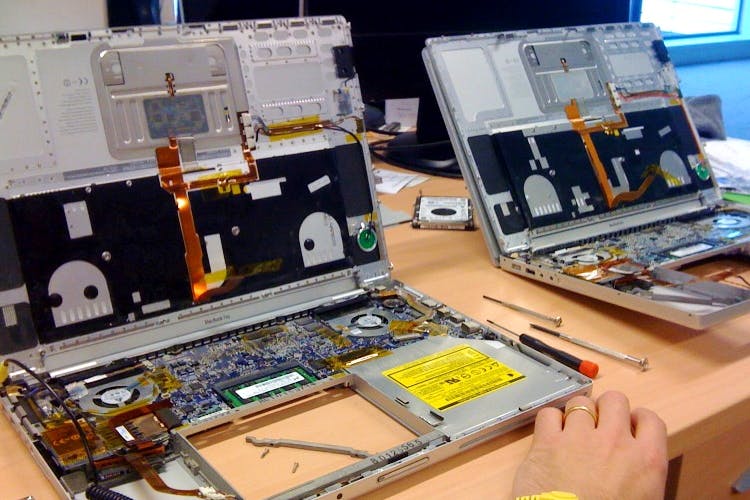
For laptop batteries are very important as this primarily runs on the power gained from the included battery. But with time the battery starts draining faster. Any battery comes with a fixed life cycle, beyond that your laptop will be functioning but not your battery. Now in such a scenario, you can go for a newly replaced battery, which you can find in any laptop repair store in Rancho Cucamonga and they will charge you according to the company’s price tag.  


Methods for repairing a dead battery of laptop:


Also, there are some other methods, which you may follow to repair your dead battery. Here in the following section, we will mention those methods, so you need to follow those in case you want to repair your dead laptop’s battery by yourself. 


Repairing battery in the freezer: In this method, you need to take out the damaged battery form your laptop and put it in a sealed zip lock bag. Now you need to leave the battery in the freezer for at least 11-12 hours. Then take it out from the freezer and remove the zip lock bag, then let it come to the room temperature. After that wipe the battery properly to remove the dump from it and place the battery on your laptop. Then fully charge it and leave the battery to discharge completely. Charge it again and this will repair your damaged battery. 


Used your laptop while plugged-in: If you plug-in your laptop with power cable, then you can use it without your battery. In this process, you can use your laptop only when electricity is available. Without electricity, your laptop will shut down immediately. In Rancho Cucamonga,laptop repair is a very easy job, especially battery replacement. So we will like to suggest you go for a newly replaced battery as this will extend the life span of your laptop.


Finally understand the life-cycle of your laptop’s battery:


First, you need to understand the factor that degrades your laptop’s battery. After about 400 charging cycles, your laptop battery degrades by 20%. And by this process, the life cycle of your laptop’s battery degrades and makes you searching for the best laptop repair service shop in Rancho Cucamonga. By charging properly you can extend your laptop’s battery life and can utilize it for a longer time. Also, don’t let the battery drained down to 0%. That hampers battery life. Also, full charging to 100% is harmful at the same time. Keeping your phone battery from 20% to 80% is the best idea for a long and healthy lifespan of your laptop’s battery.